
 All stories
On-set notes
Camera settings to check before the first take
What can two test clips tell you side by side? Follow a multicamera preparation workflow.
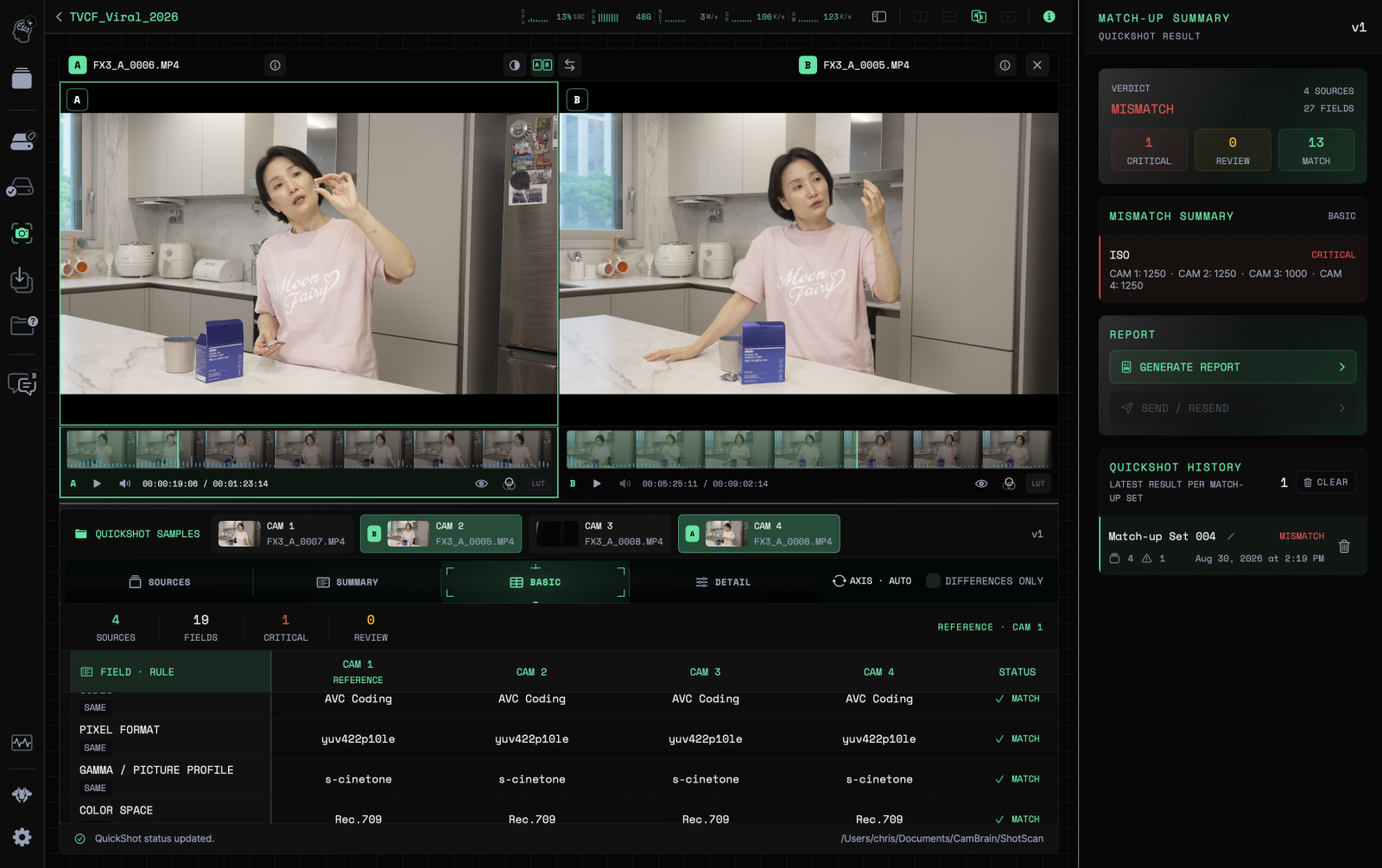
Reference product image · Actual screens may vary by app version.
This is sample content. The product version and actual workflow will be reviewed before publication.
Record test clips after setting the menus
Imagine shooting the same scene with two cameras. After aligning settings in their menus, record short test clips so you can compare what the actual files contain.
QuickShot reads metadata from sources it can analyze and shows differences. You can use it to check test clips alongside the project’s camera setup before shooting.
Understand why each value differs
Distinguish settings that should match for this shoot, such as frame rate or resolution, from intentional differences such as lenses. A difference in the comparison does not mean every setting needs changing.
Use camera menus or another check for metadata that cannot be read. Matching metadata does not confirm focus, scene continuity, or the exposure you intended.
Record again after changing a setting
After making a change, record a new test clip and compare again. Keep track of files and cards so clips recorded before and after the change are not mixed up.
This article is a sample illustrating shoot preparation. It does not contain a real customer interview or measured results from a particular shoot.
 Get started with CamBrain