
 All stories
Practical guides
Which drive had that file?
Use Offlog to find a recorded file location and snapshot date before connecting every drive.
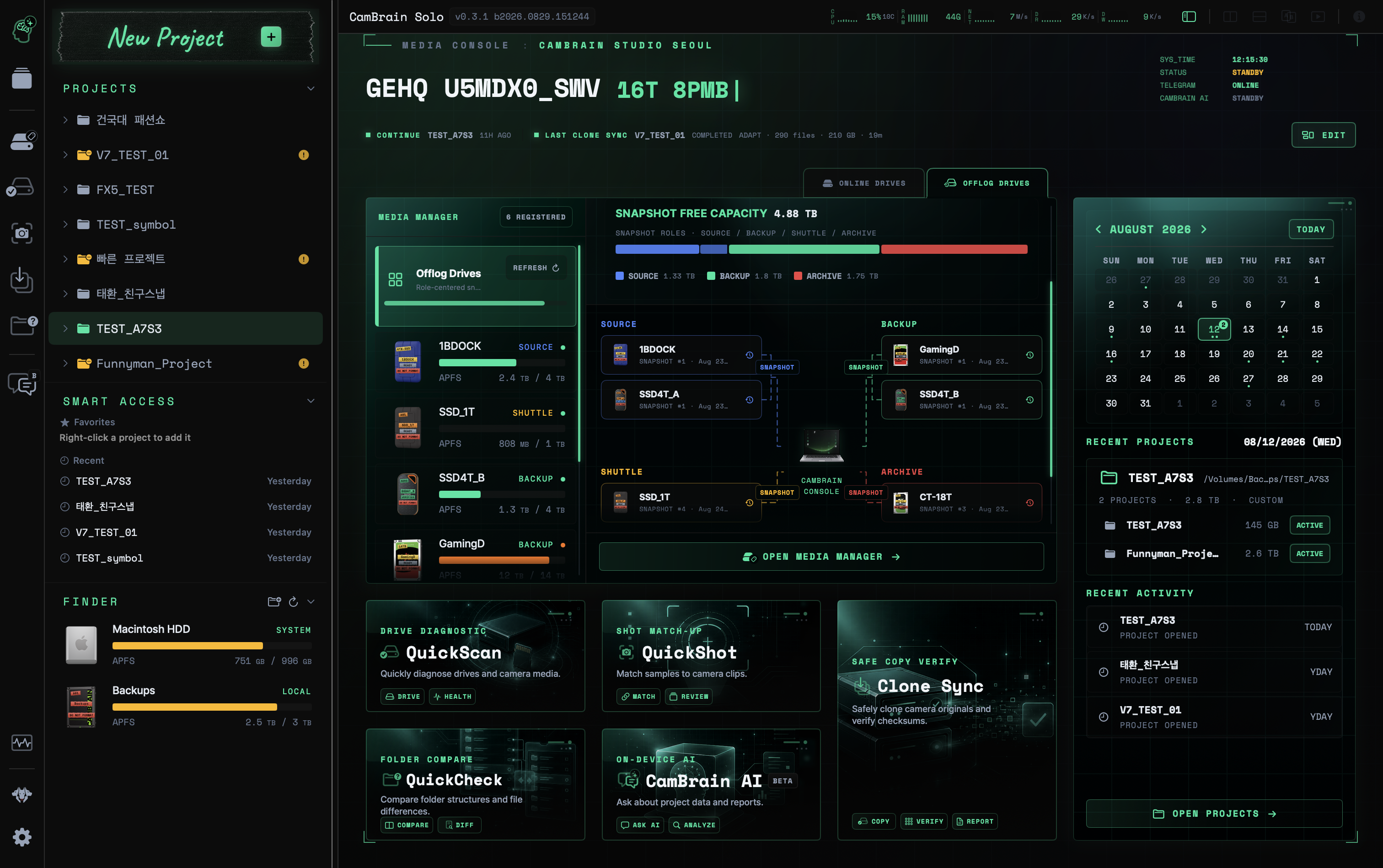
Reference product image · Actual screens may vary by app version.
This is sample content. The product version and actual workflow will be reviewed before publication.
Record the list while connected
Recording a drive’s file and folder list before storing it gives you a starting point for finding it later. Offlog keeps snapshots of external-drive metadata such as names, paths, and sizes.
Check the recording date and a name that identifies the drive. If files are added or moved later, the earlier snapshot shows the state before that change.
Read the drive and date in search results
Search using a project name or part of a filename, then check the drive, folder path, and snapshot time of the result. Similar filenames may belong to different shoots or copies, so read the path too.
To play or copy a file you find, connect the drive holding the actual file. Offlog does not store video content or recovery data.
Include it in checks before storage
Confirm that copying and verification have finished, then capture a snapshot of the organized drive. Check the saved list before safely disconnecting the drive.
A snapshot records what was present at that time. Keep backups and verification records separately; a past list does not guarantee a file’s present existence or condition.
 Identify drives and cards