 All stories
Practical guides
Keep the workflow together, from card to edit.
Copy, check, record, and hand off. Plan the work so camera media and on-set decisions arrive together.
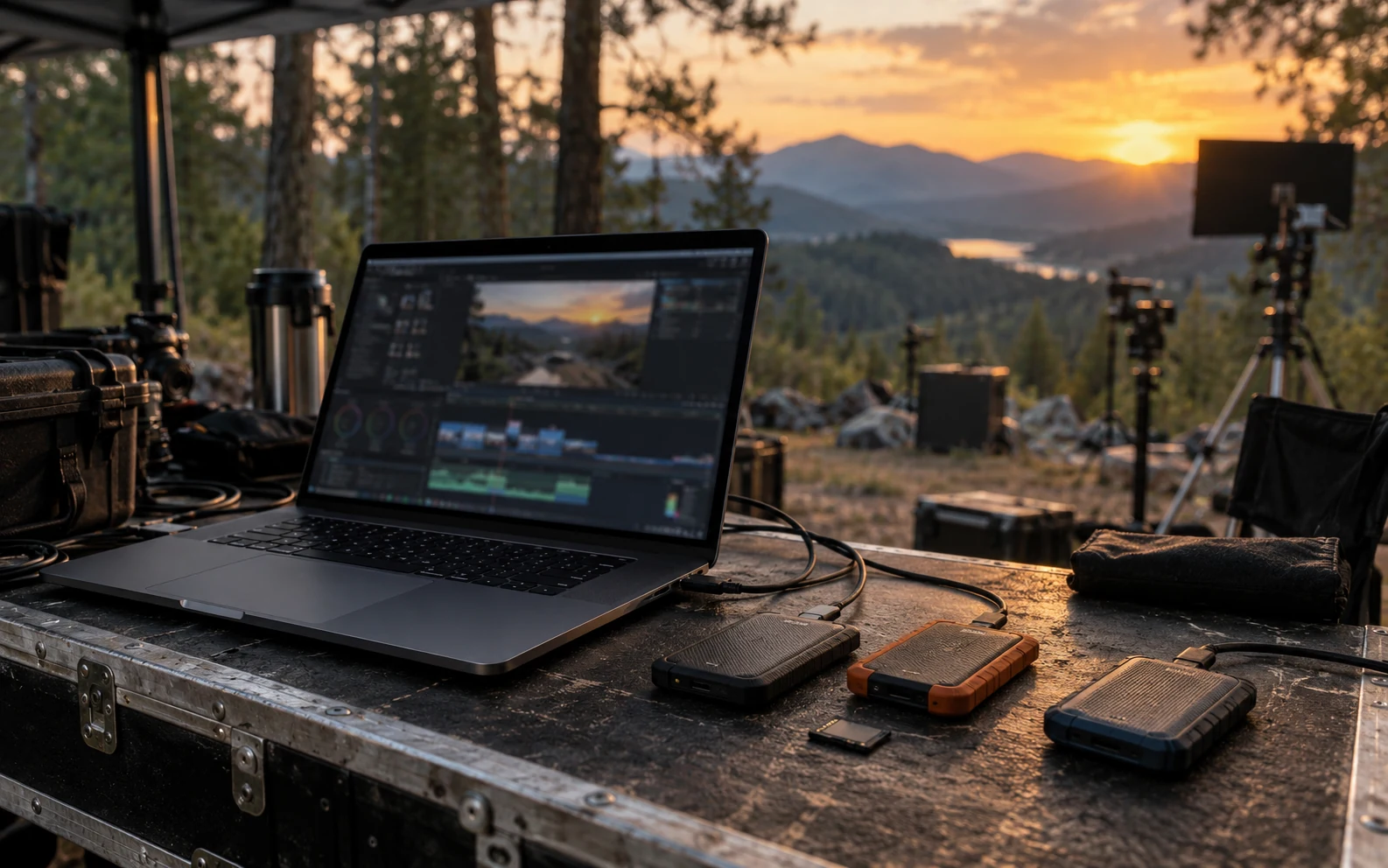
Generated image illustrating an on-set workspace.
This is sample content. The product version and actual workflow will be reviewed before publication.
Name the shoot first
A camera card holds files, but the information explaining which shoot and take they belong to needs organizing too. Set a project name and shoot date first, and use consistent names for cards and storage to reduce explanations during handoff.
CamBrain lets you collect shoot information and media references in a project. Registering files records their original locations. Creating new copies is a separate task in Clone Sync.
- Set the project name and shoot date
- Check the roles of source cards and destination drives
- Record distinct card names for each camera
Read copying and verification results together
When copying reaches the end, check each destination. Look at the verification mode used, any excluded or failed files, and whether every intended destination is complete.
Fast Verify, Source Re-read, and Full Read-back Verify check different things. Record the mode and results chosen on set so the editing team knows what was checked. Decide whether to reuse a card using both that record and your on-set retention rules.
Leave the decision on the relevant frame
When you find a good take or a scene to revisit, add notes and markers to the clip rather than only sending its filename in a message. You can pass on both the location to check and the reason.
Be specific about what you observed and what you are asking for. A note such as “Check the reflection on the product logo; consider a fix in post” helps the next person continue the decision. Screen examples are illustrative, not records of an actual shoot.
Check what the recipient will open
Organize original-location information, copy and verification records, and review notes in the handoff folder. Use PDFs for a readable summary and MHL files to convey file and hash information.
If you export NLE files, open a small sample in the editing team’s actual app and version first. Successful export and correct linking in the editing app are separate checks.
 Get started with CamBrain