ONE CONSOLE. FULL CONTROL.
Full workflow
Keep the details in view, even on a busy set or a small screen.

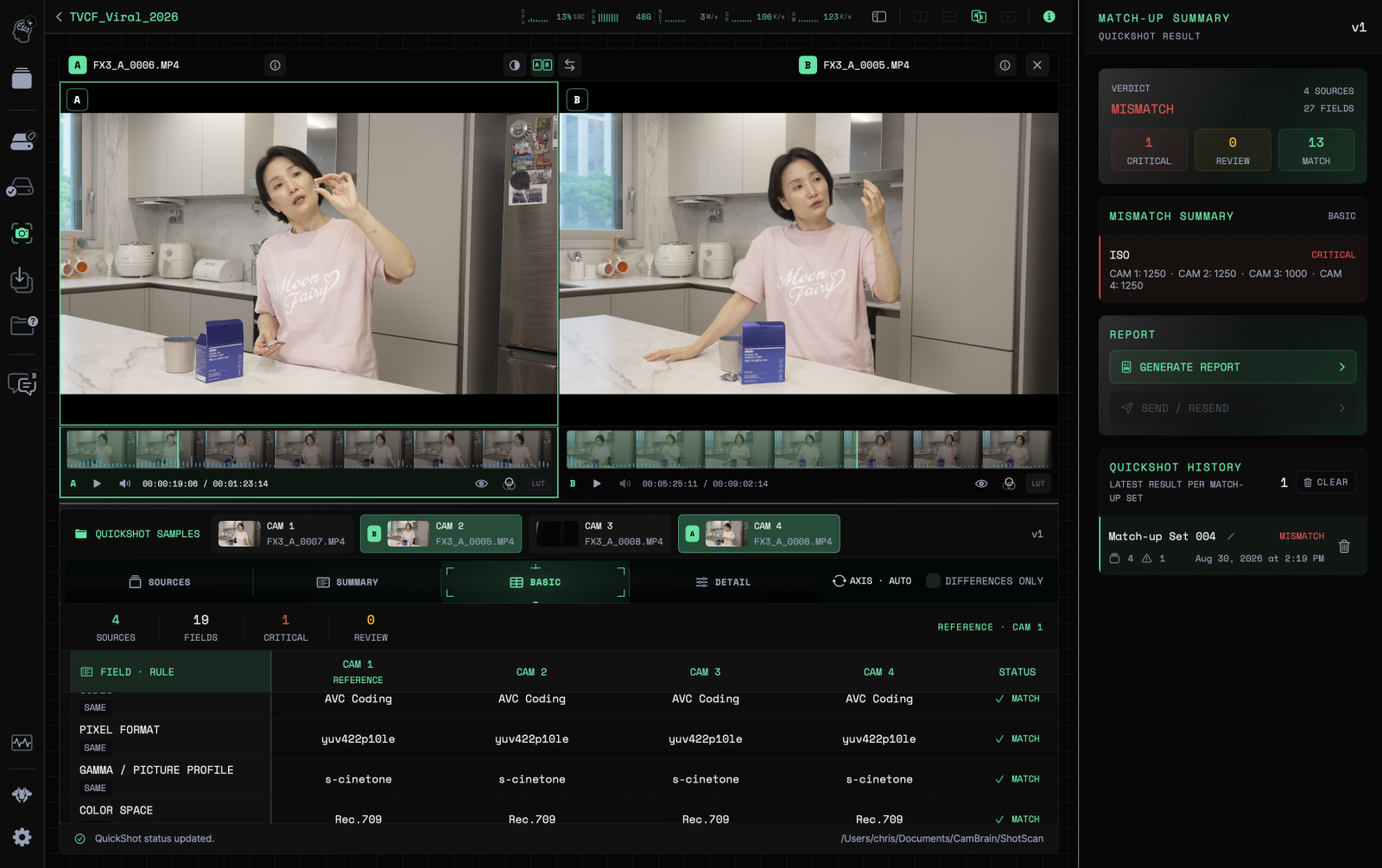
03Review — Everything in one viewReview QuickShot — Clip comparison
Compare clips side by side to check for differences in camera settings.
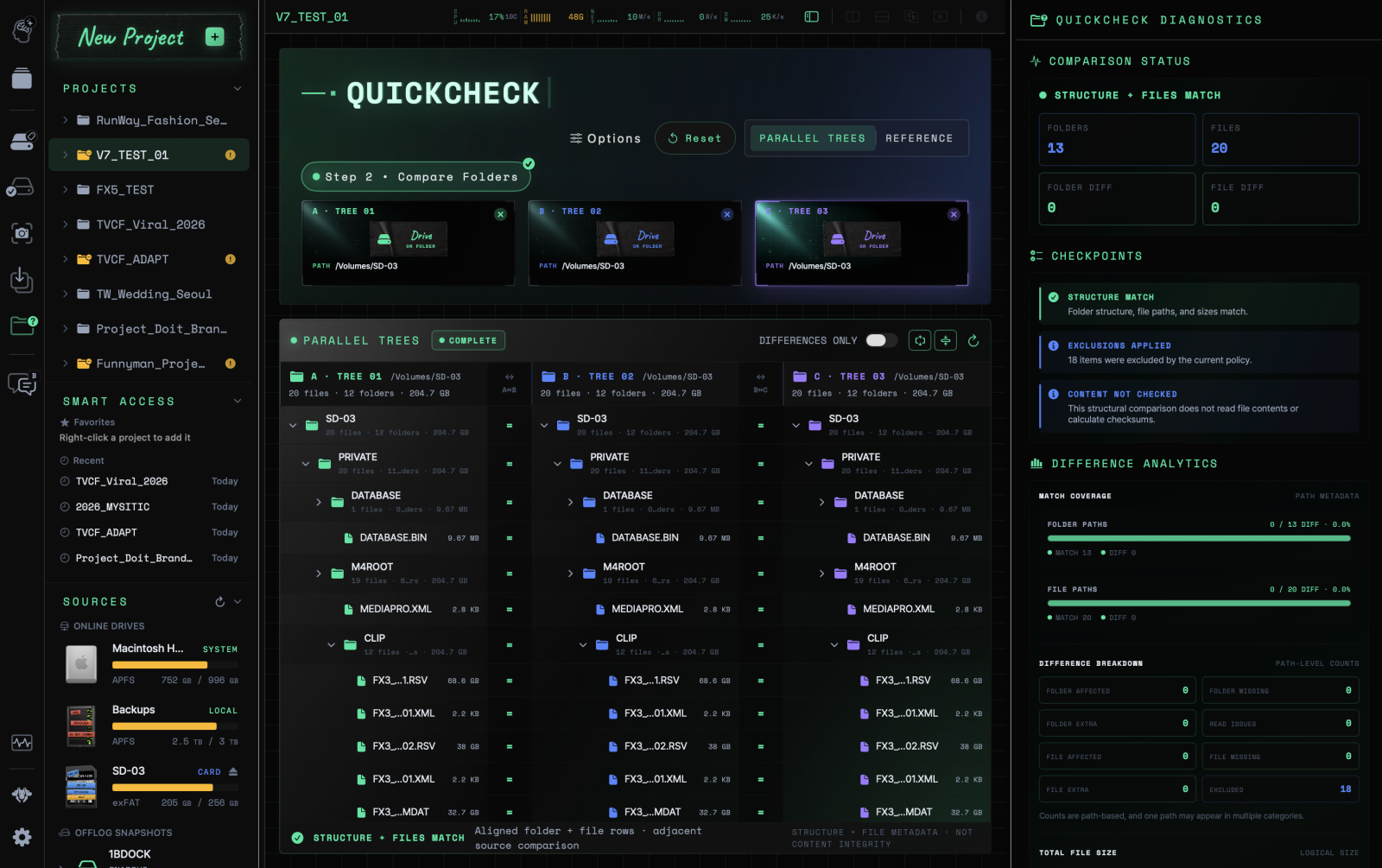
02Backup — Intelligent safetyBackup QuickCheck — Folder comparison
Compare folder structures and file information side by side.
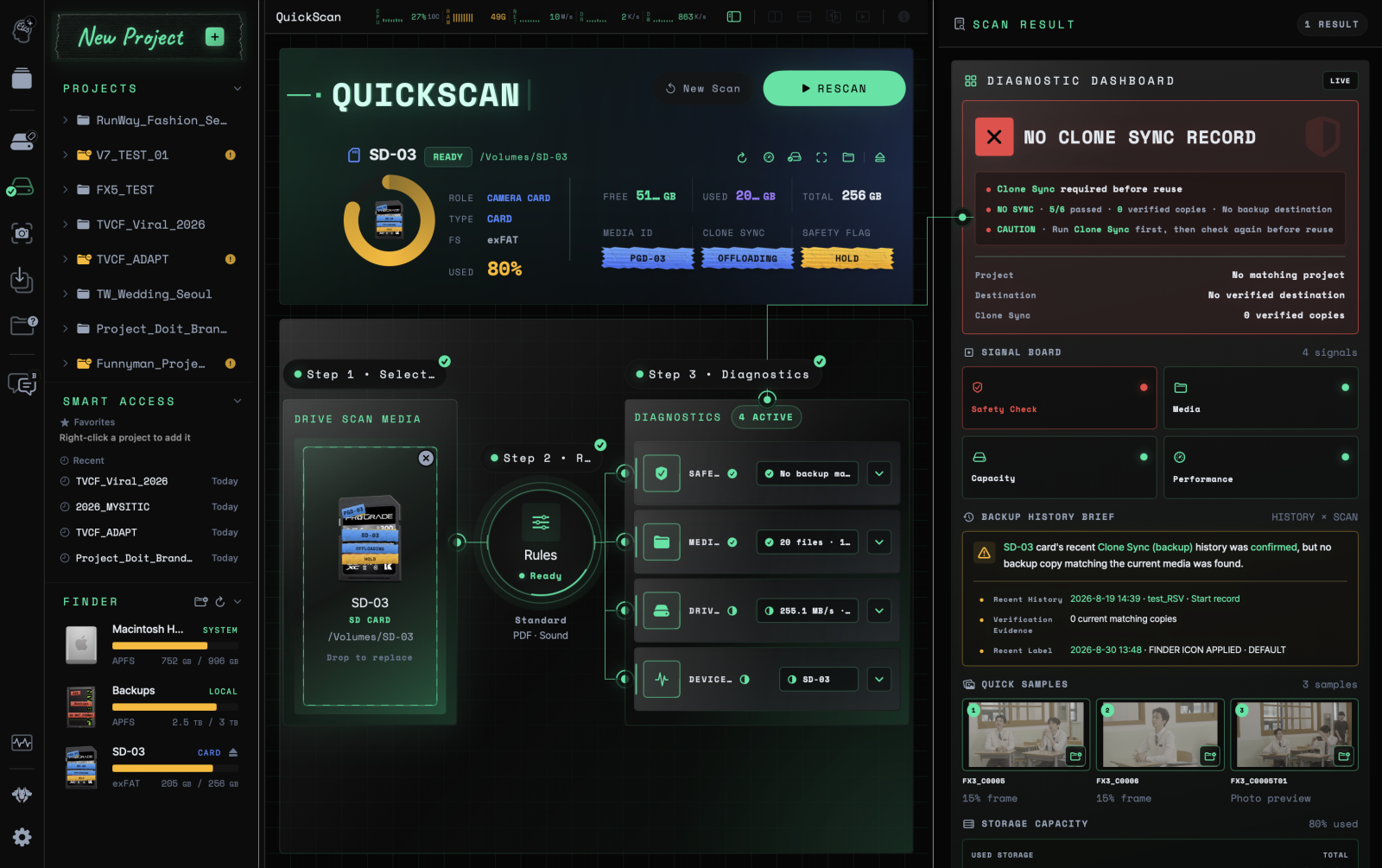
01Prep — Ready in 30 secondsPrep QuickScan — Media diagnostics
Check card status and backup history before the next task.
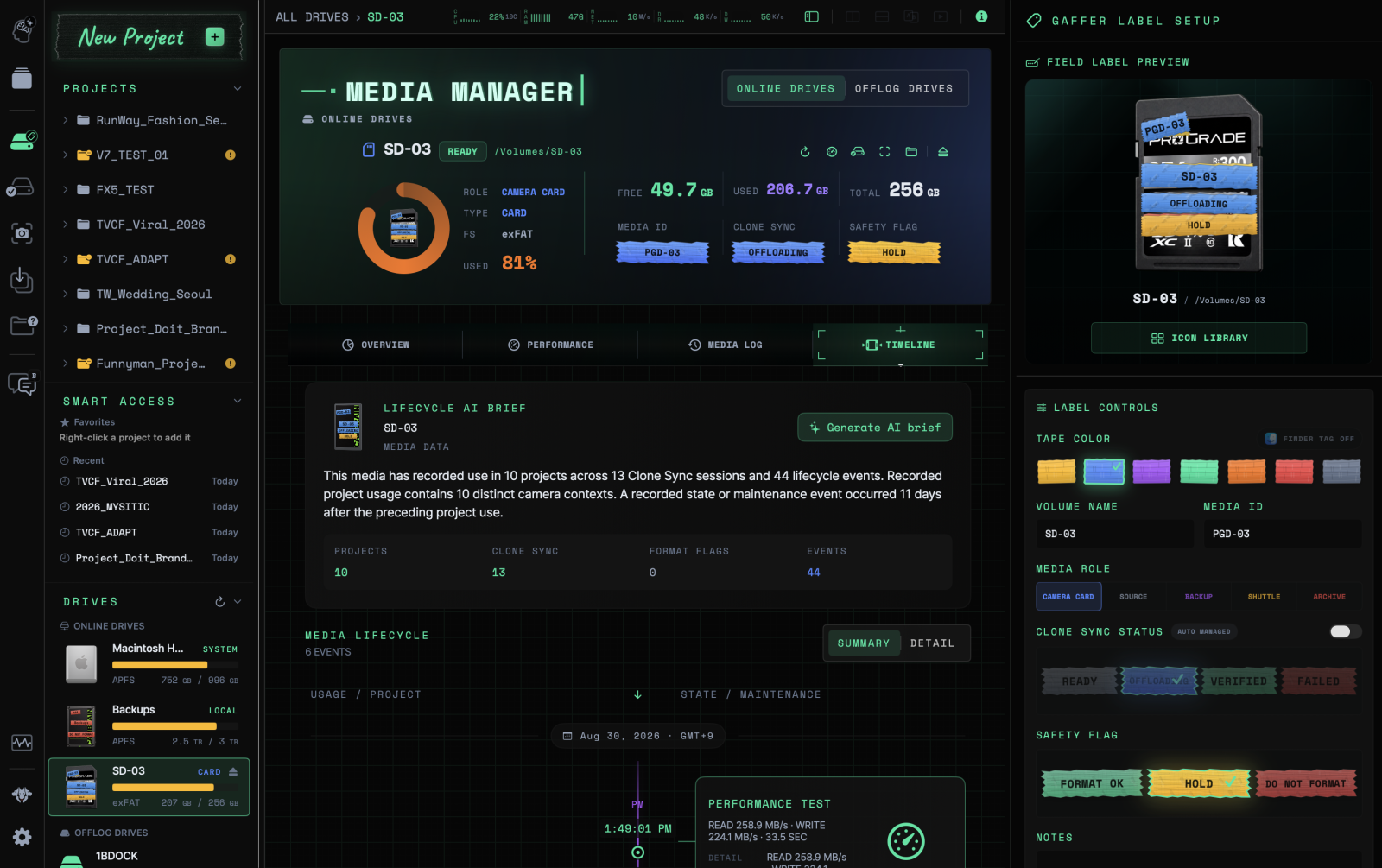
01Prep — Ready in 30 secondsPrep Media Manager — Media history
Follow each card or drive through its project history and changes in status.
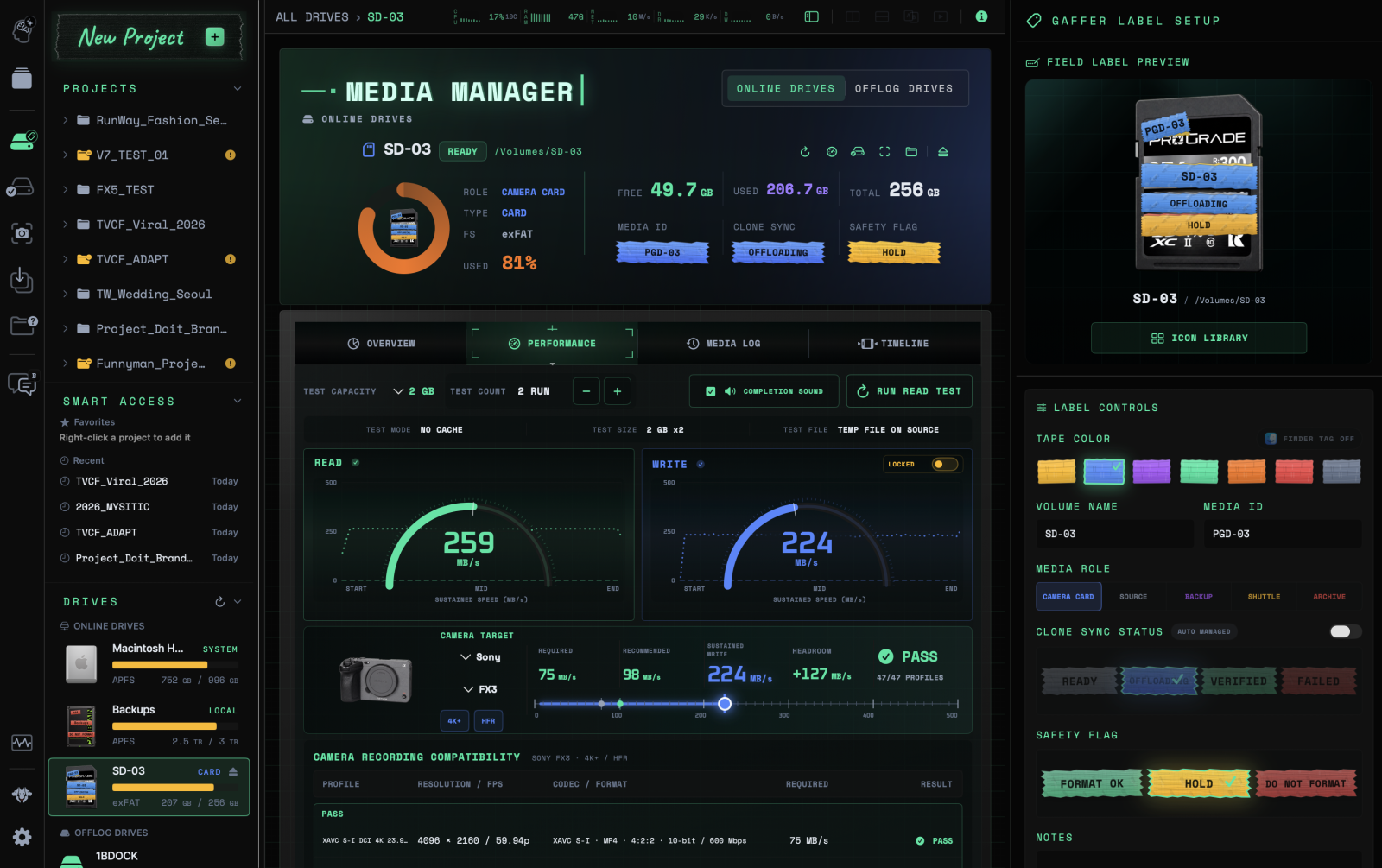
01Prep — Ready in 30 secondsPrep Media Manager — Performance checks
Check read and write speeds against camera recording requirements.
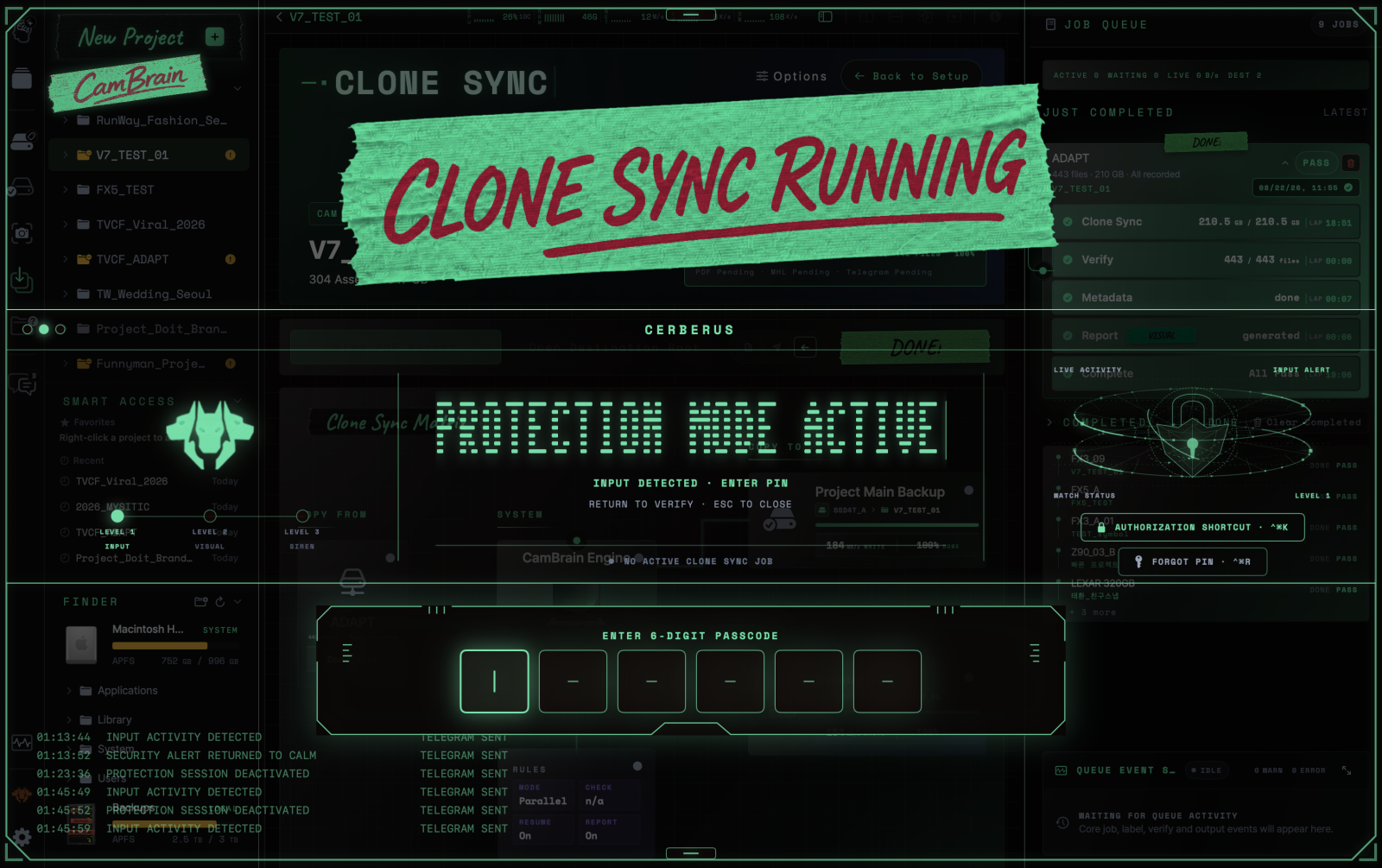
02Backup — Intelligent safetyBackup Cerberus — Protect ongoing work
Lock input during backup work and exit protection mode with a PIN.
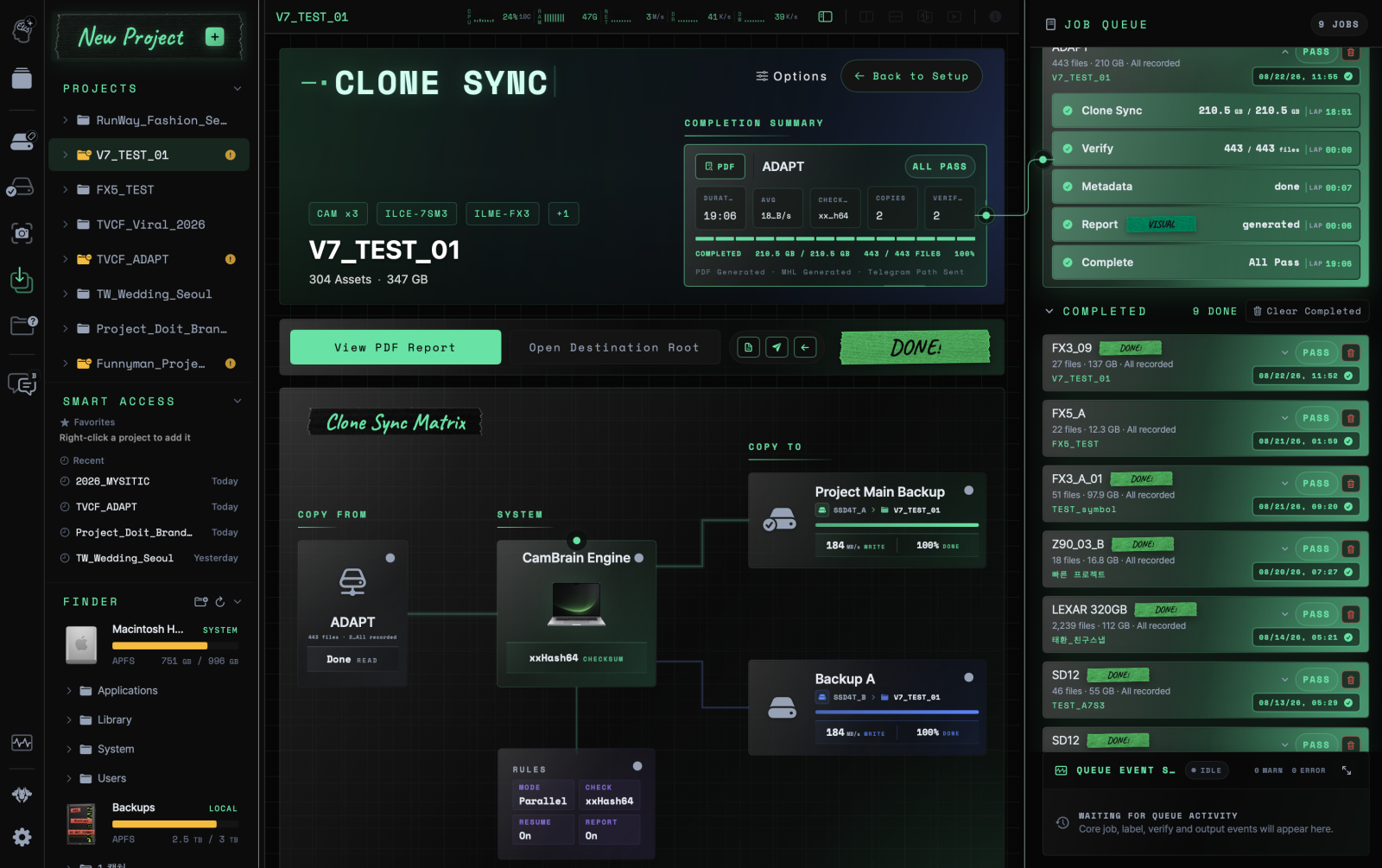
02Backup — Intelligent safetyBackup Clone Sync — Backup and verification
Track copying, verification, metadata processing and reports, with progress and results in one place.
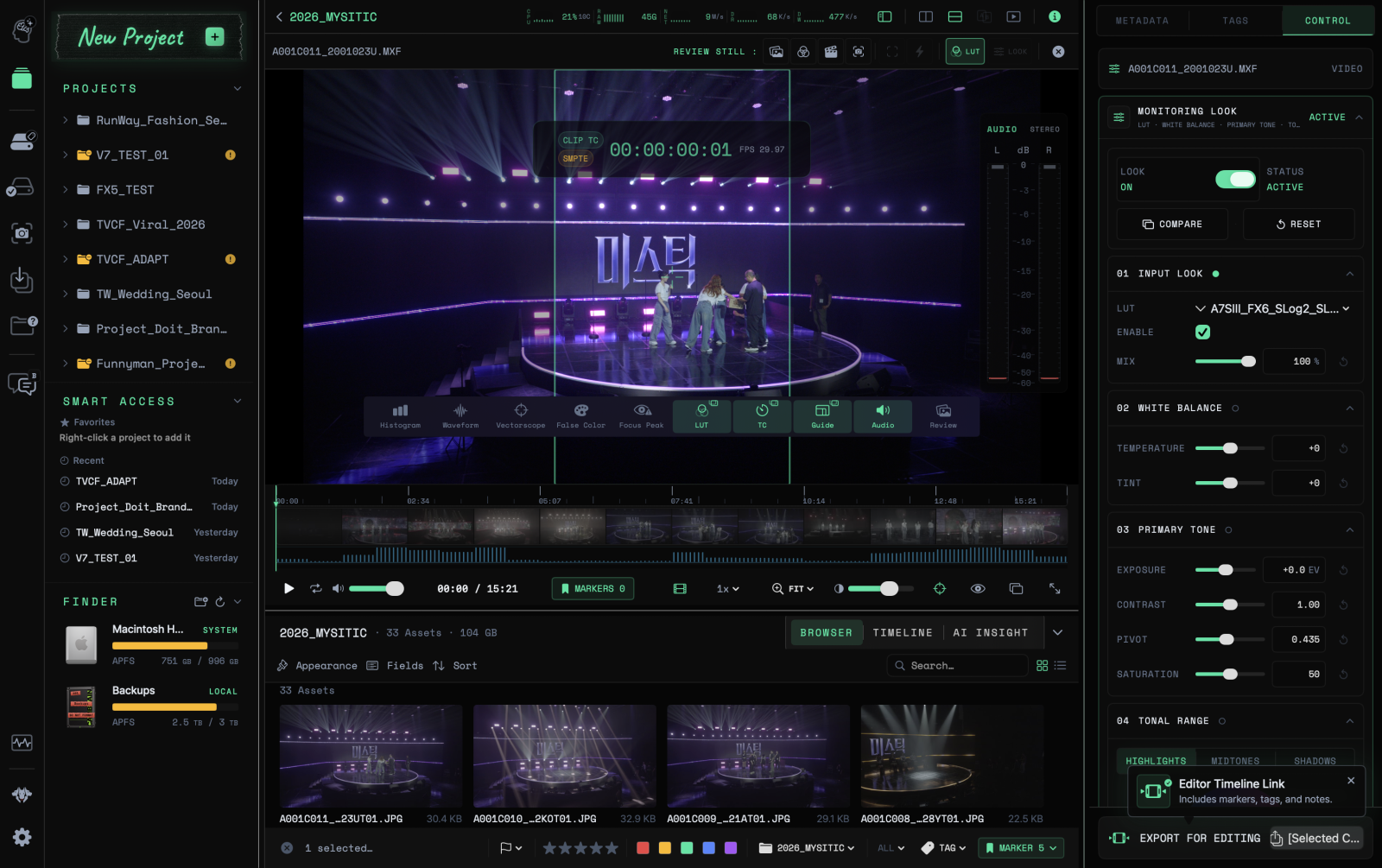
04Handoff — Keep the on-set contextHandoff Review — Footage review
Review footage with LUTs and image analysis tools, then carry markers and notes into editing.
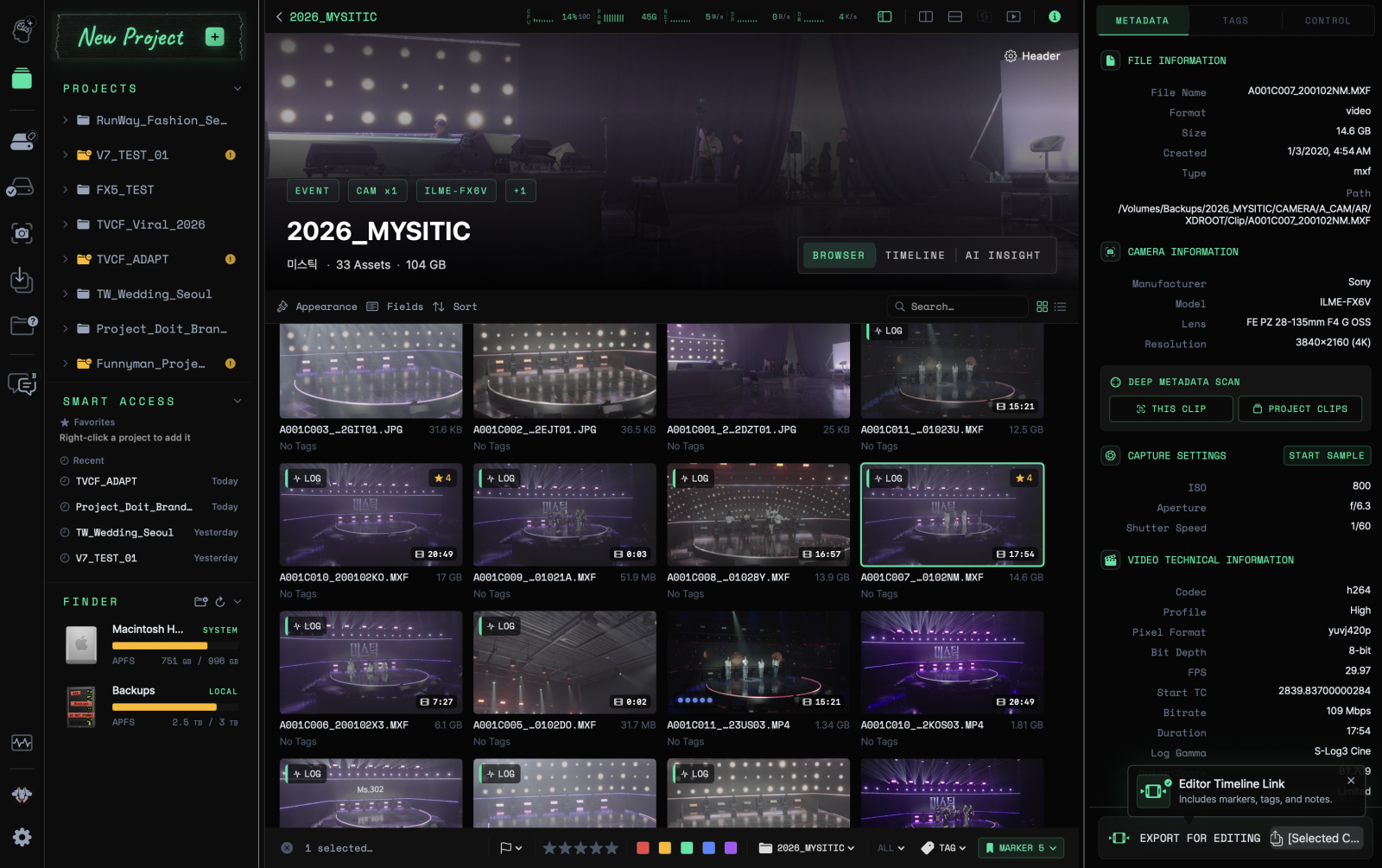
03Review — Everything in one viewReview Media Browser — Clip browsing
Find clips with thumbnails and capture metadata in the same view.
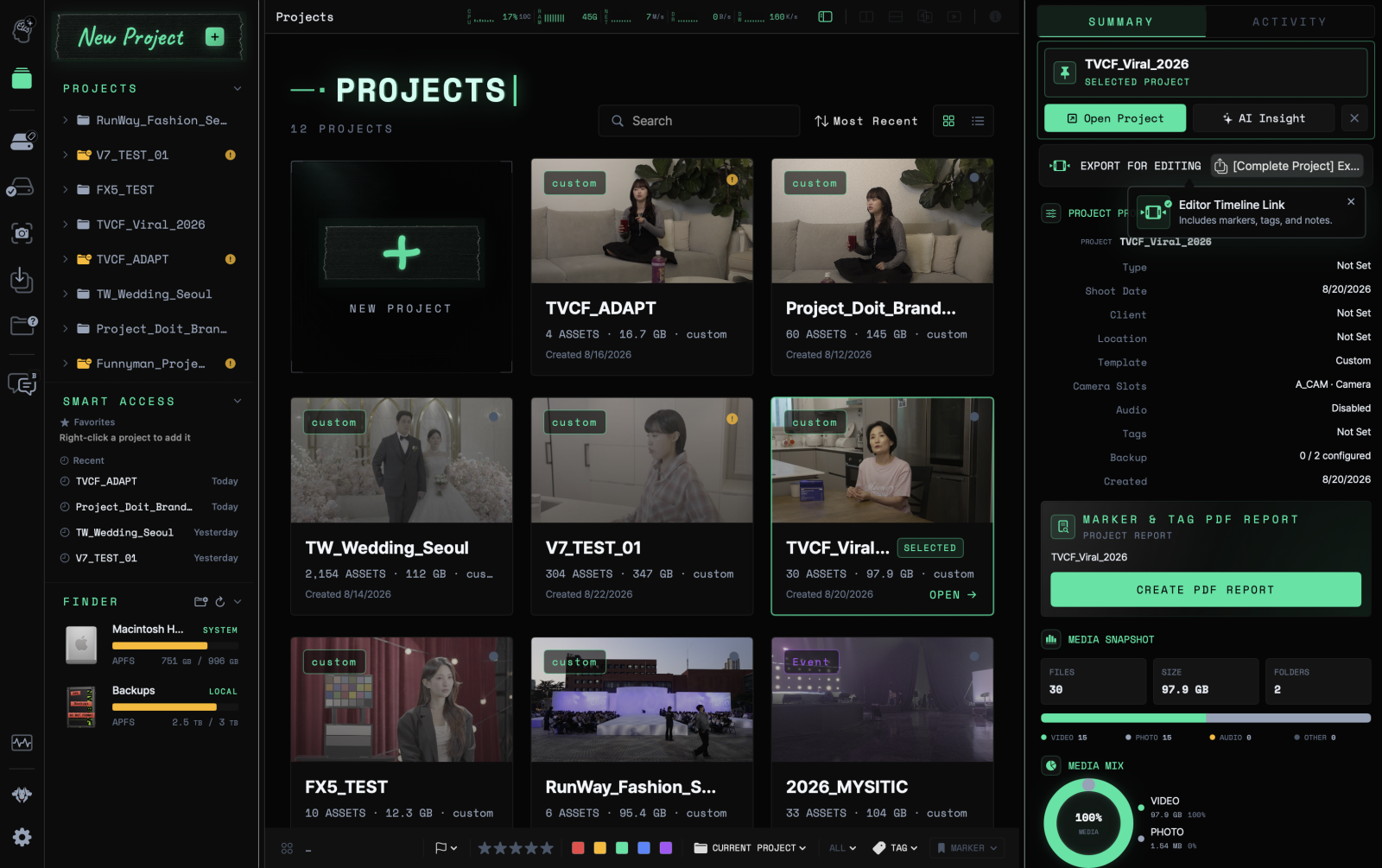
01Prep — Ready in 30 secondsPrep Projects — Project management
Bring together media and work details for each project, then move on to the next task.
Compare clips side by side to check for differences in camera settings.
 ONE CONSOLE. FULL CONTROL.