
CAMBRAIN DOCUMENTATION
CamBrain user guides
Installation, account checks, purchases, licenses, and camera-media workflows.
Find the guidance you need.
Start here.
Check Mac requirements, downloads, and licenses in order.
Installation and activation
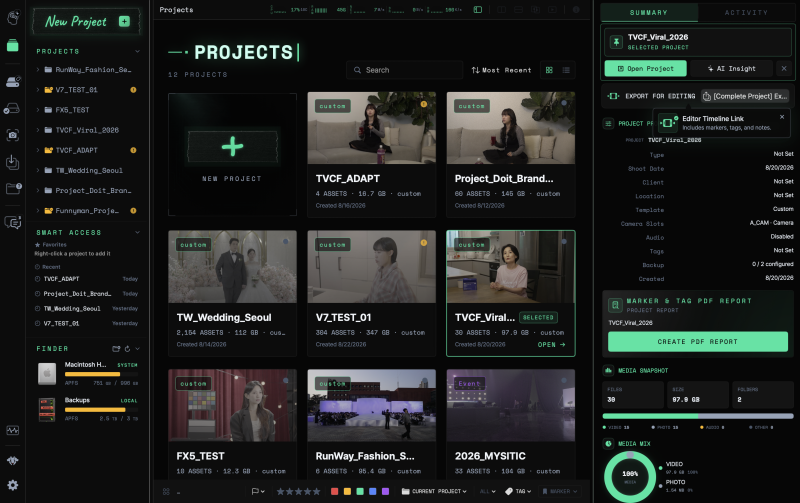
Account and purchase guidance was reviewed on 2026-10-07. App workflow documents remain drafts awaiting separate review. Commercial purchasing and licensing are being prepared.
Browse by task
Check purchases and payment history
What to review before paying and what to do if a payment has not appeared in your account.
Account and purchase guidance02Change or cancel a subscription and request a refund
Understand stopping the next payment, changing plans, and requesting a refund.
Account and purchase guidance03Perpetual licenses and update periods
Understand continued use of the app and the period covering new versions and support.
Account and purchase guidance04Account, device, and offline access issues
Checks for purchases under another account, device registration problems, and activation errors caused by connectivity.
Account and purchase guidance05Get started with CamBrain
Create a project and follow the basic workflow for checking camera media.
App workflow draft06Add media to a project
Link footage to a project while keeping the originals in place.
App workflow draft07Identify drives and cards
Check volume roles, capacity, and job status in Media Manager.
App workflow draft08Copy with Clone Sync
Choose sources and destinations, then check copying and verification results.
App workflow draft09Understand verification modes
Distinguish Clone Sync’s three verification modes from the scope of QuickCheck.
App workflow draft10Review clips and add markers
Record your review using frames, notes, and tags.
App workflow draft11Remember file locations with Offlog
Browse recorded file and folder lists after disconnecting a drive.
App workflow draft12Hand off reports and editing files
Organize copy records and review notes into the deliverables you need.
App workflow draft13What to check when something goes wrong
Separate media access, interrupted copying, and report delivery issues, and prepare useful support details.
App workflow draftStill need help?
Tell support what you tried and where you got stuck.